Naive Approach
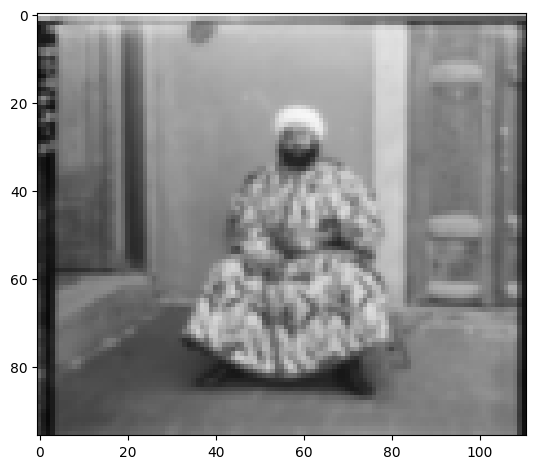
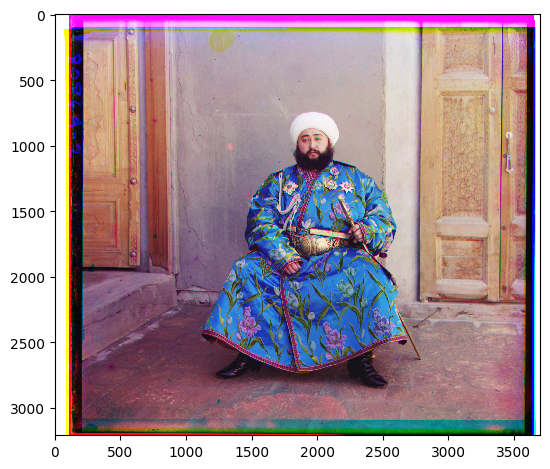
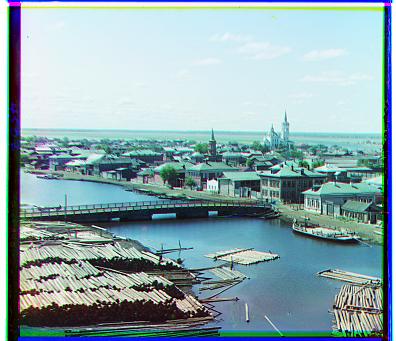
The goal of this assignment is to take the digitized Prokudin-Gorskii glass plate images and, using image processing techniques like image pyramid, automatically produce a color image with as few visual artifacts as possible. In this assignment, I will first try to align red channel and green channel image with blue channel spearately and stack them back to create color image.
Naive Image Alignment Approach:
- Metric: I use Normalized Cross-Correlation (NCC) as the alignment metric, since it is more robust to brightness differences across color channels. NCC is simply a dot product between two normalized vectors: (image1./||image1|| and image2./||image2||).
- Search Window: I define a fixed window size of (30, 30). This means searching shifts in the range of -30 to +30 pixels along both the x and y axes.
- Preprocessing: To reduce border artifacts and improve alignment accuracy, I crop 20 pixels from each edge of the input images.
-
Exhaustive Search: I perform a nested loop over all possible shifts within the window:
- The outer loop iterates over vertical (y-axis) shifts.
- The inner loop iterates over horizontal (x-axis) shifts.
- Cropping: To improve alignment, I manually crop 20 line of on each side of image so we can align without the noise from the border.
-
Overlap Handling: For each candidate shift, I roll the image using
np.roll, compute the overlapping region between the two channels, and then calculate the NCC metric on this overlap to minimize noise. - Optimal Shift Application: After identifying the best shift within the search window, I apply it to the target channel. For example, when aligning the red channel to the blue channel, the computed shift is applied directly to the red channel.
- Repeat for All Channels: I repeat the same procedure to align the green channel with the blue channel.
-
Image Reconstruction: Once both red and green channels are aligned, I combine the three channels using
np.dstack. Finally, I convert the result to JPEG-compatible format withimg_as_ubyteand save the reconstructed color image.
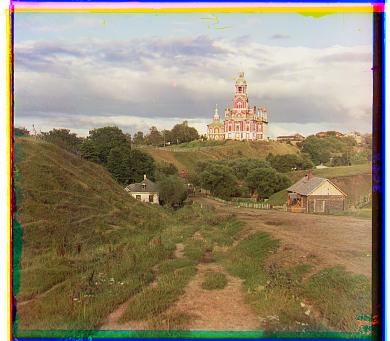
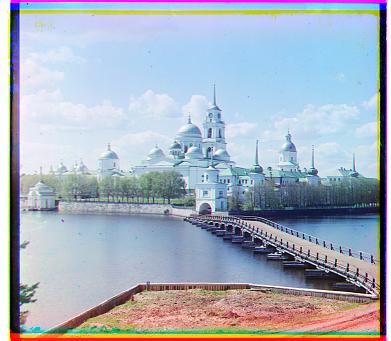
Aligned Images
Multi-Scale Alignment with a Gaussian Image Pyramid
For large .tif files, I speed up alignment using a
Gaussian image pyramid. I align the red and green channels
to the blue channel independently.
-
Build the pyramid.
I apply a (5×5) Gaussian kernel at each level (implemented with
np.lib.stride_tricks.sliding_window_viewandnp.einsum) to blur the image, then downsample by a factor of 2 along each axis to create the next level. The number of levels is controlled by alevelparameter. To avoid excessive shrinking, I stop building the pyramid if either image dimension is≤ 100pixels. -
Search window.
I use a fixed window of
(20, 20), i.e., integer shifts from−20to+20in both axes. -
Exhaustive search at each level.
For a given level, I loop over all possible shifts within the window:
- Outer loop: vertical (y-axis) shifts
- Inner loop: horizontal (x-axis) shifts
0.06 × H, left/right by0.06 × W.To deal with small image like jpg doesn't crop enough, I set fixed size 65 pixels to crop on each side if the percentage caculation is less than 65
-
Coarsest-to-finest refinement.
I recurse down to the coarsest level, find the best shift there,
then move one level finer, pre-shifting by the previous best shift and refining
with a smaller window (e.g.,
(5, 5)). I repeat this until I reach the original resolution. - Scoring metric. At every level I use Normalized Cross-Correlation (NCC) to score candidate shifts (higher is better), evaluating all shifts via a nested loop.
This coarse-to-fine strategy finds a good global shift at low resolution and then fine-tunes it as the resolution increases.
Performance Notes & Tweaks
- Overlap-only scoring: Computing NCC on just the overlapping area reduces cost and avoids border padding effects.
Aligned Images
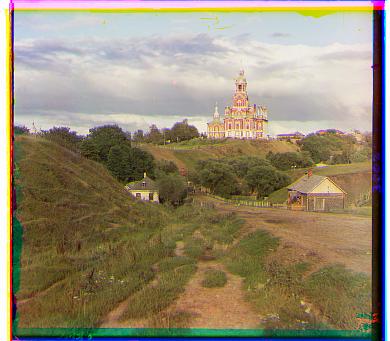
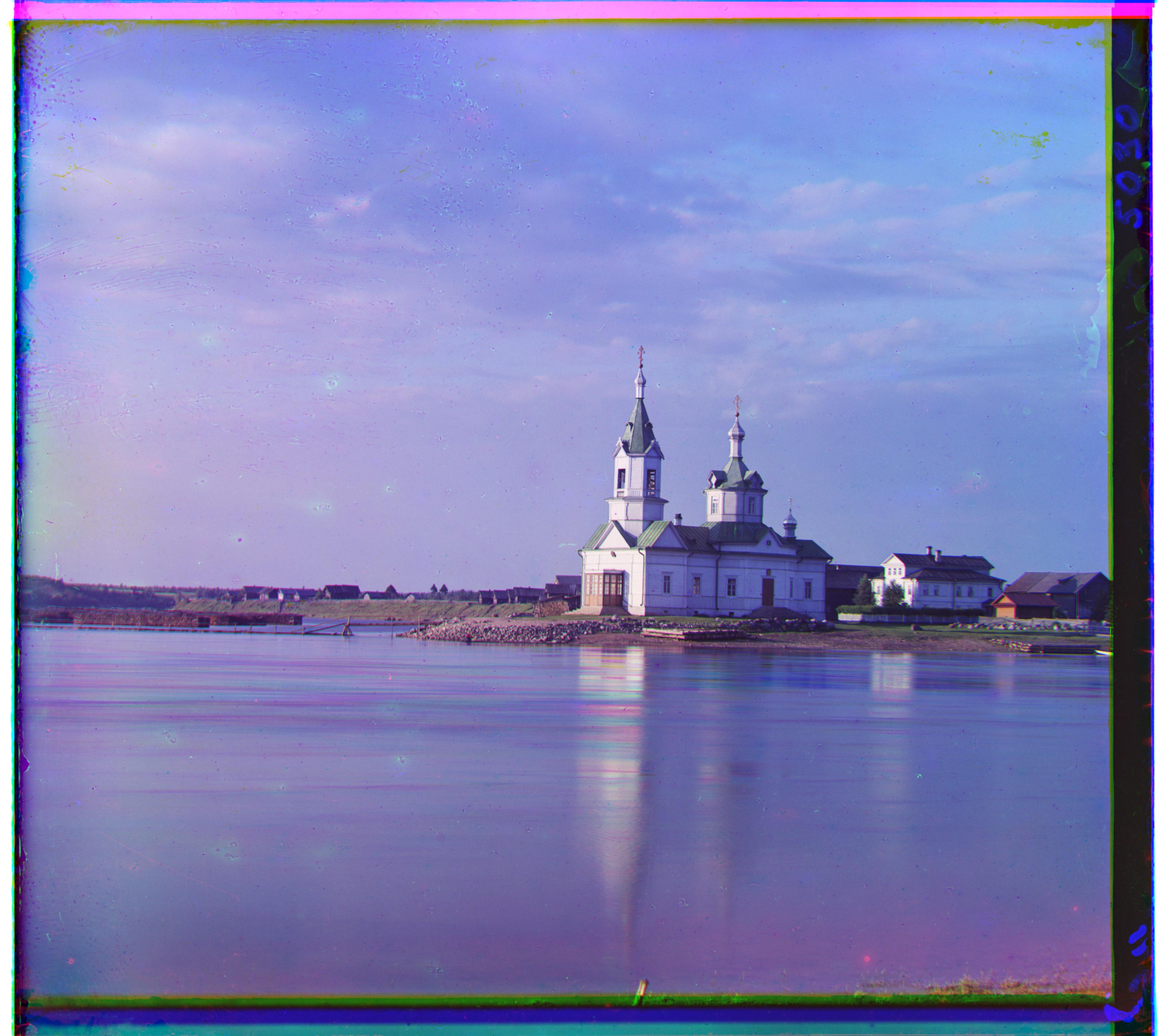
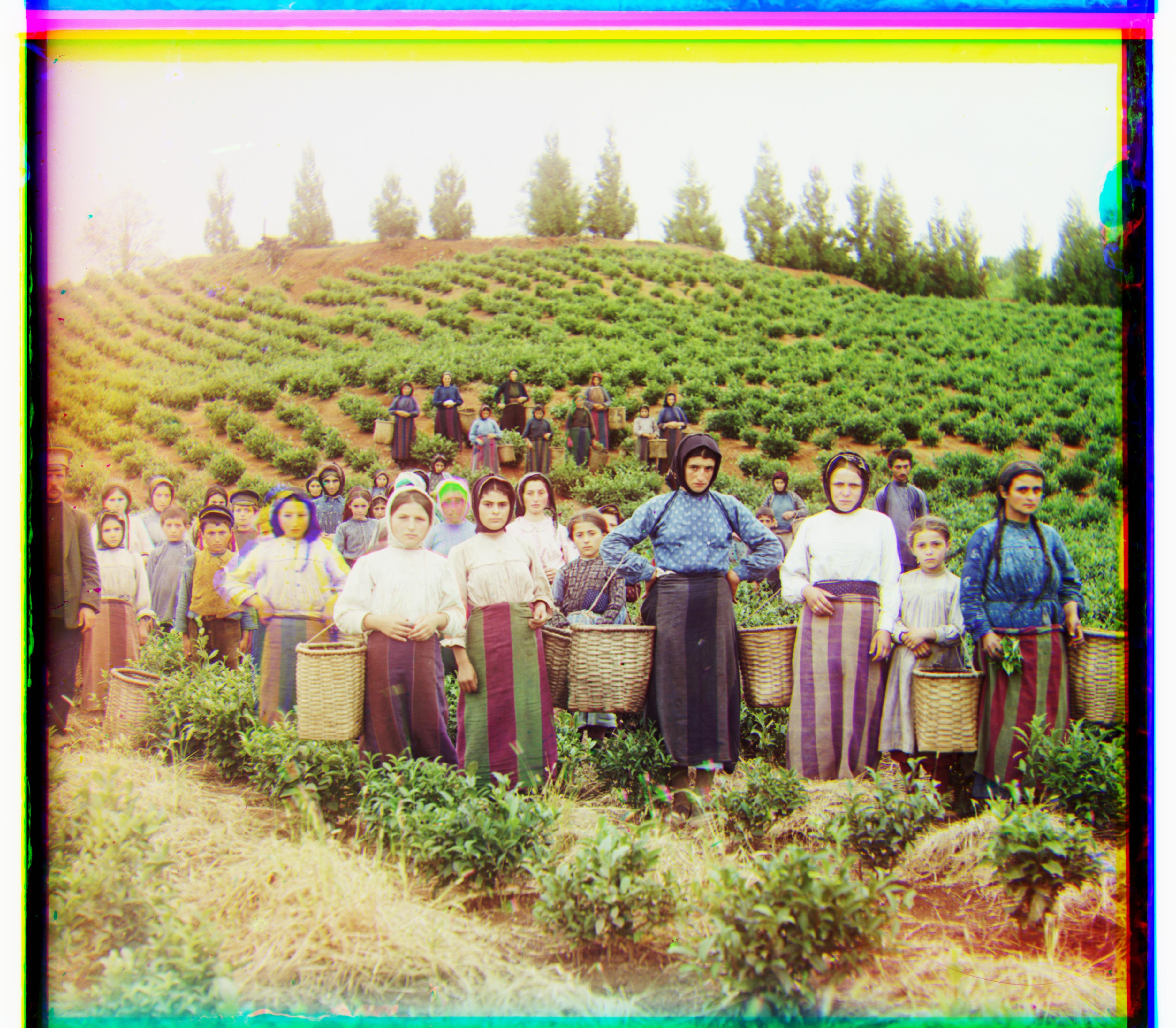
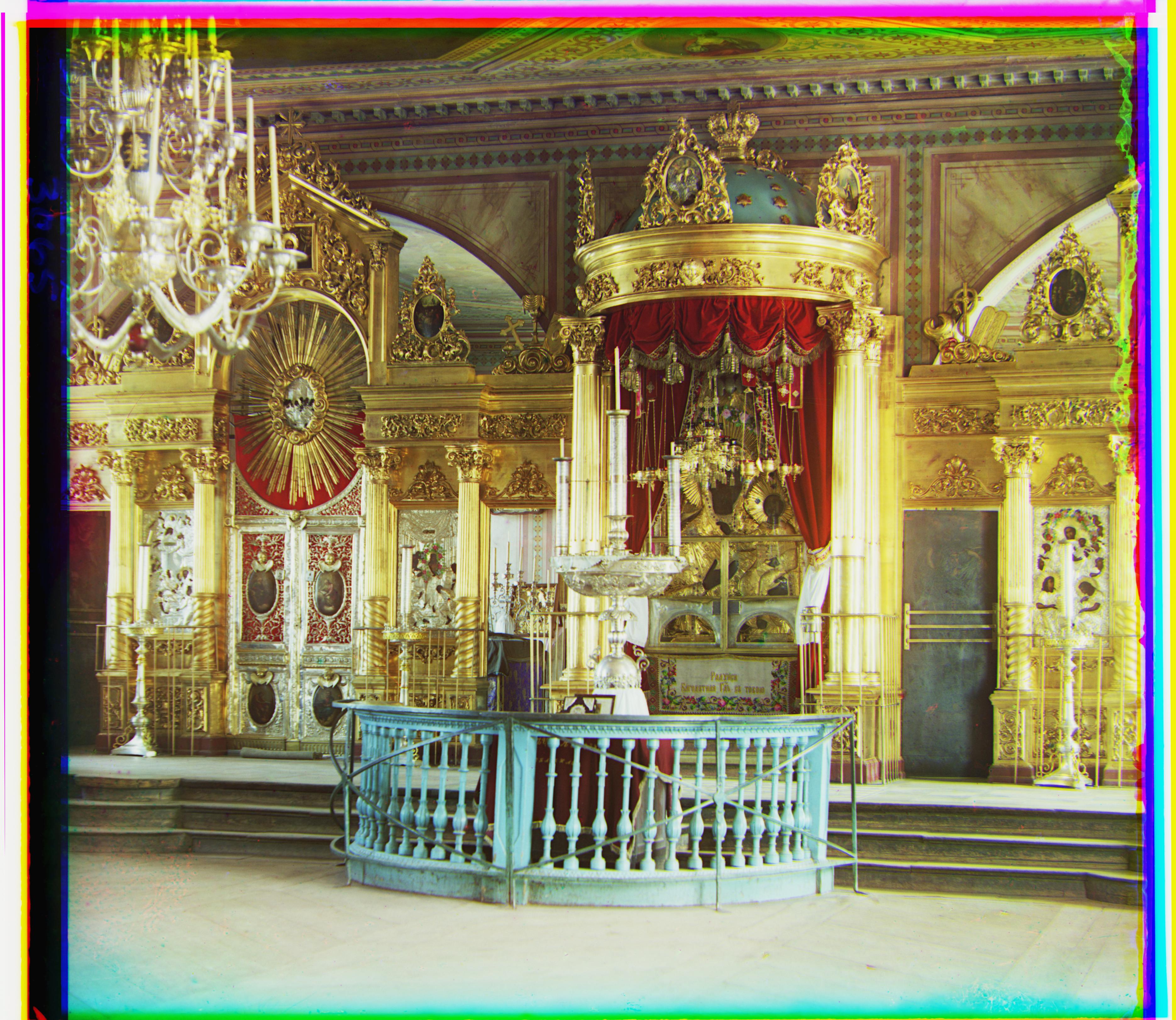
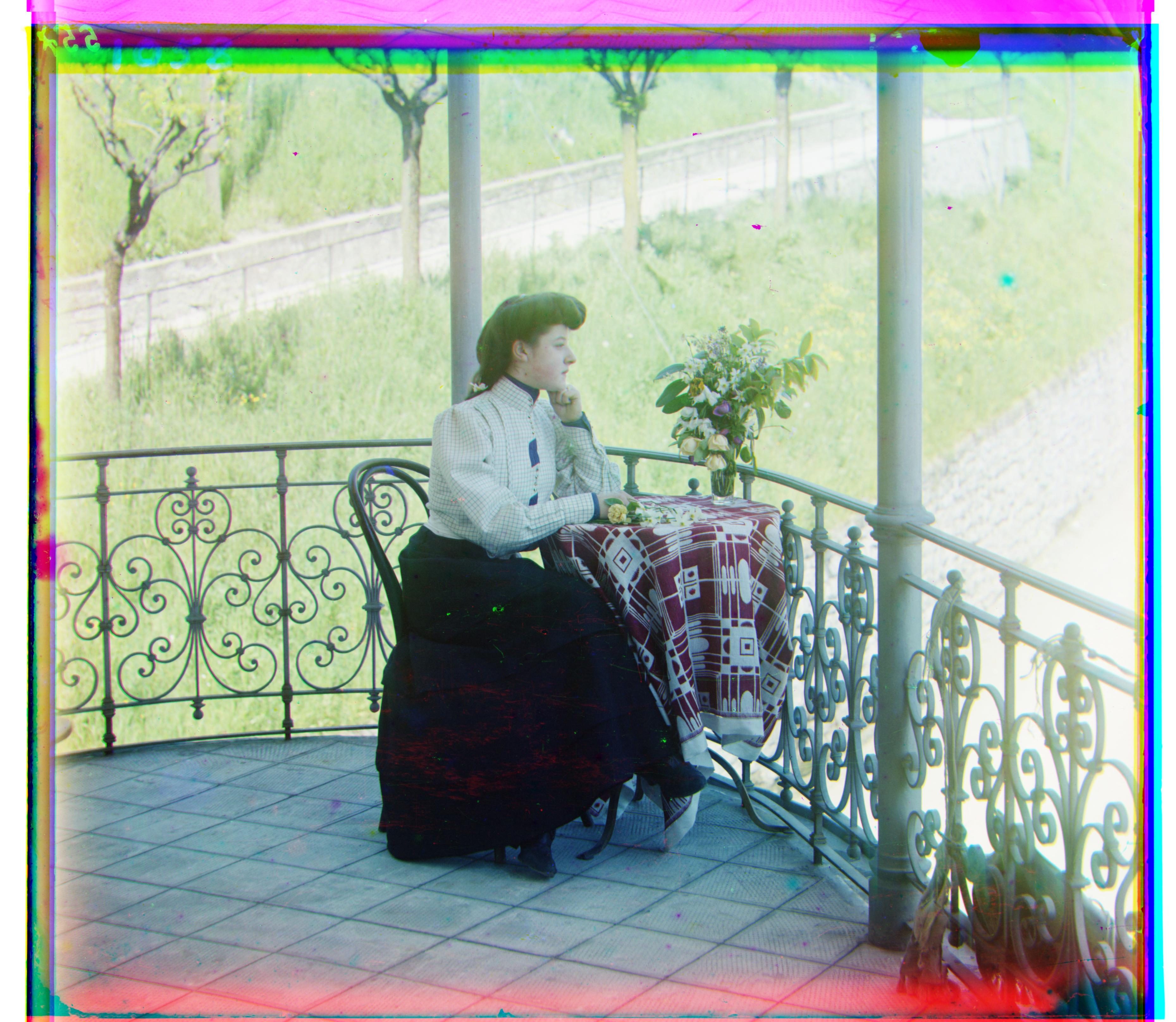
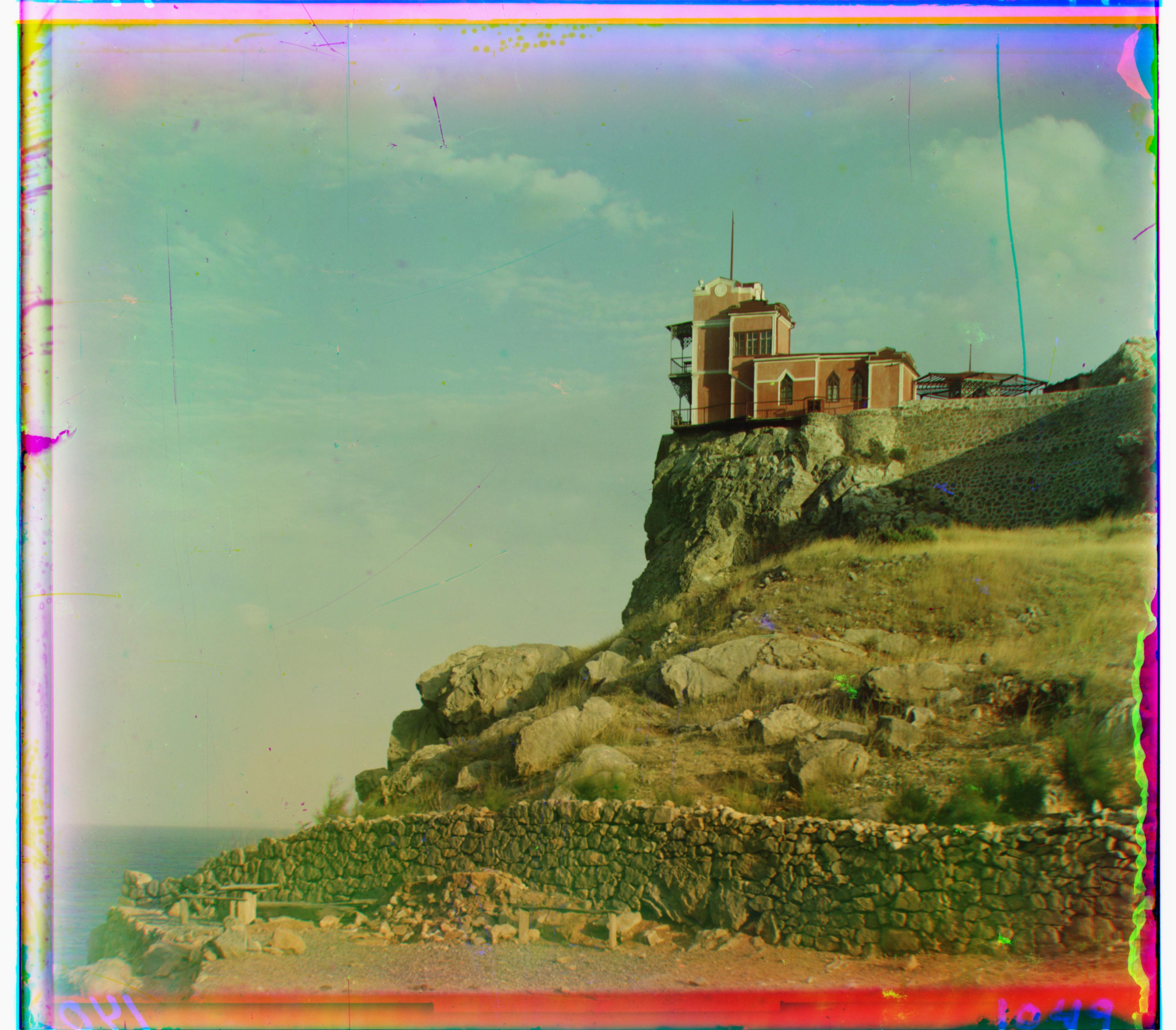
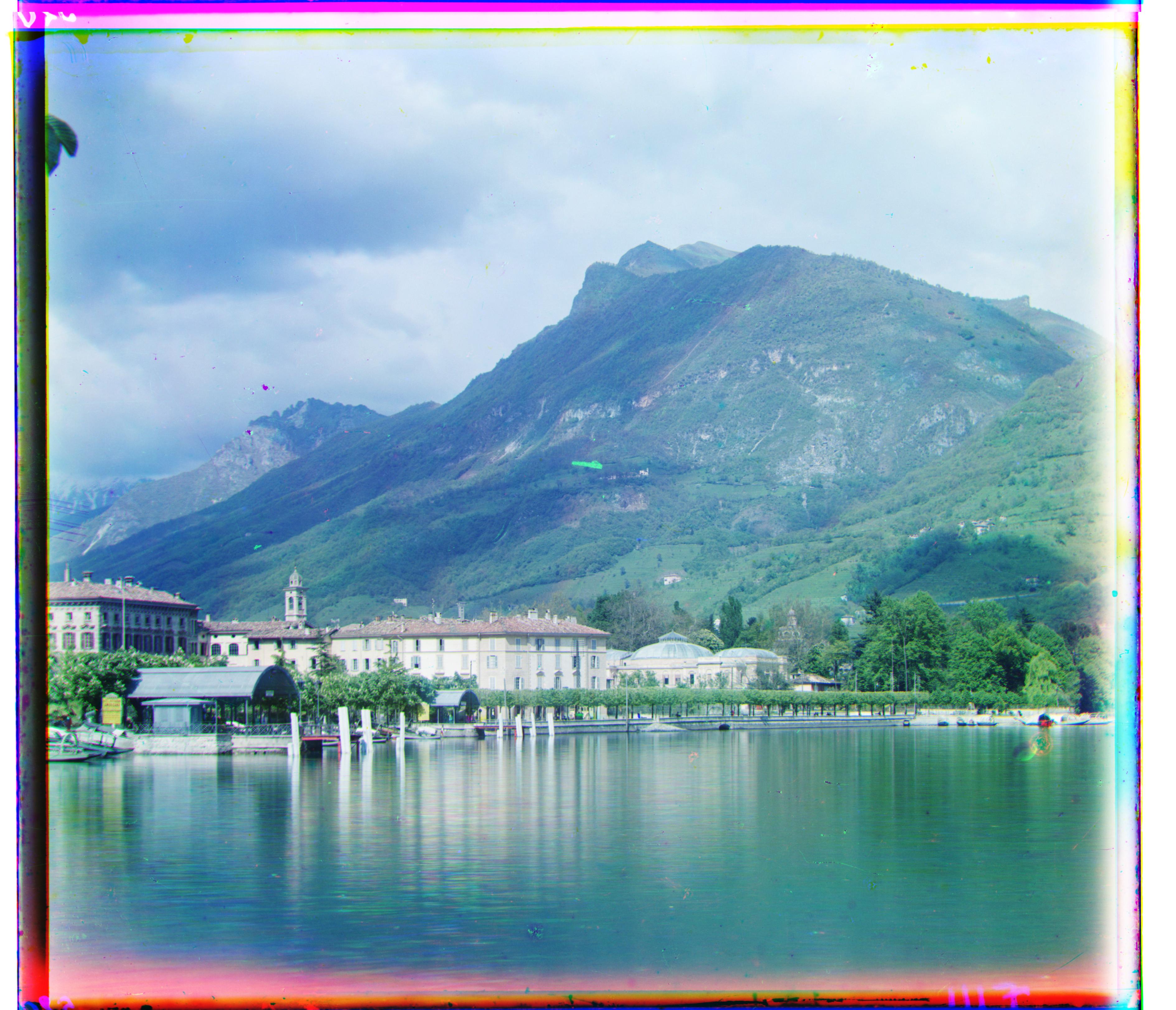
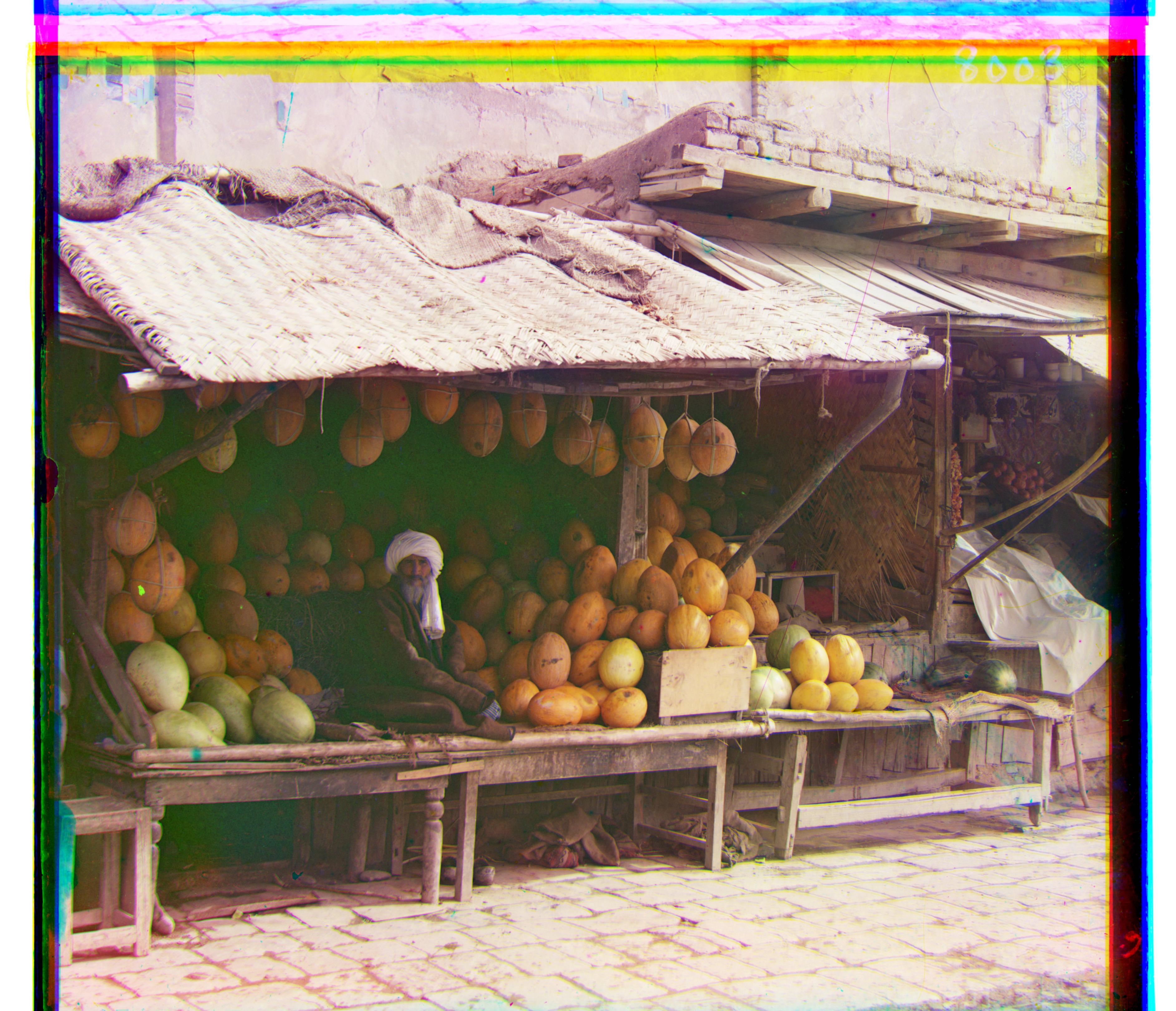
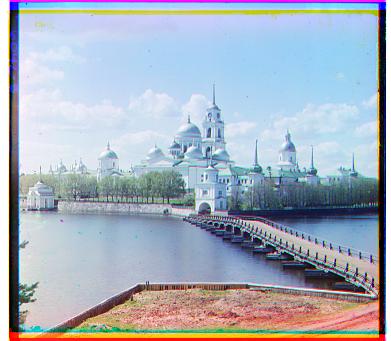
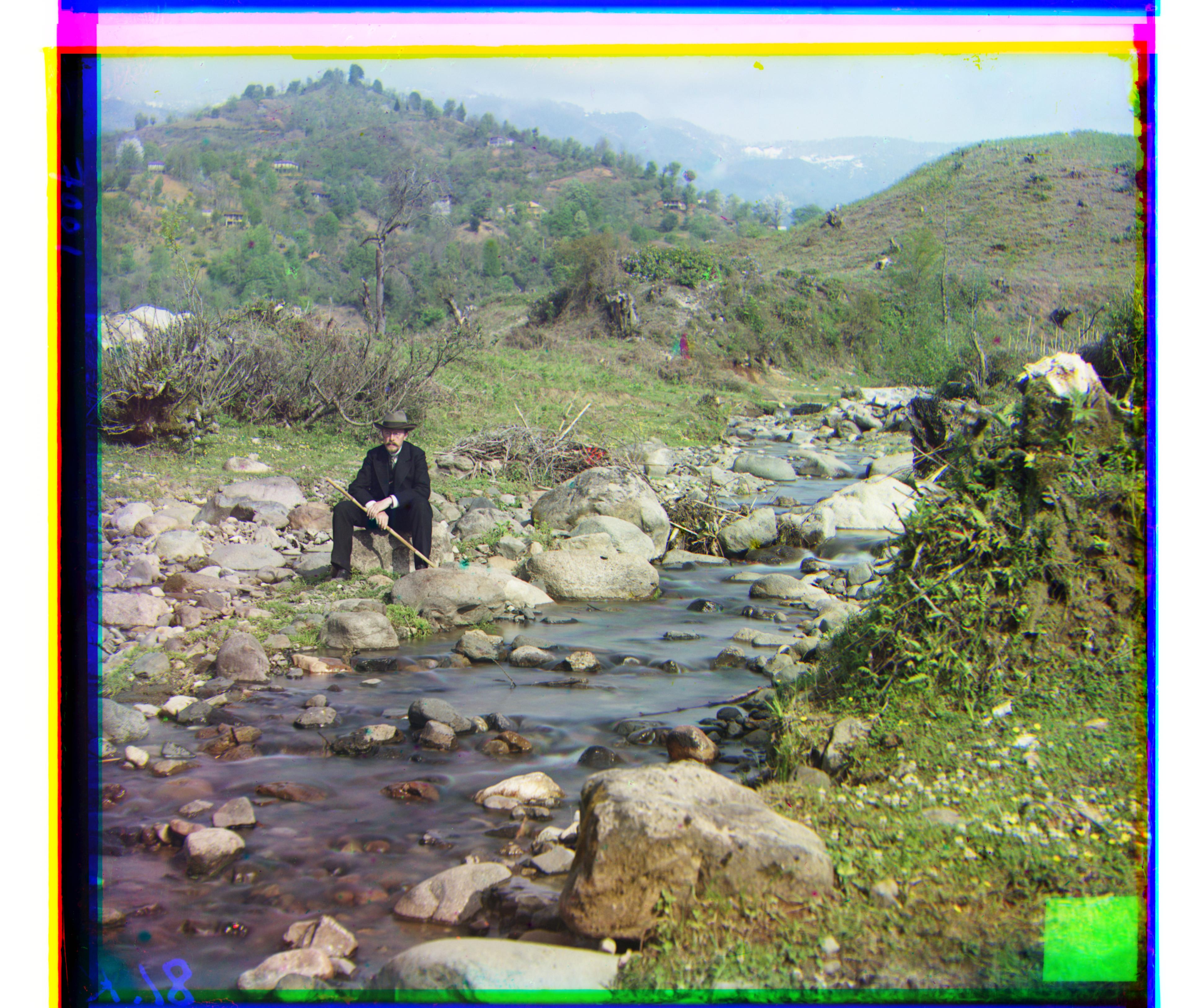
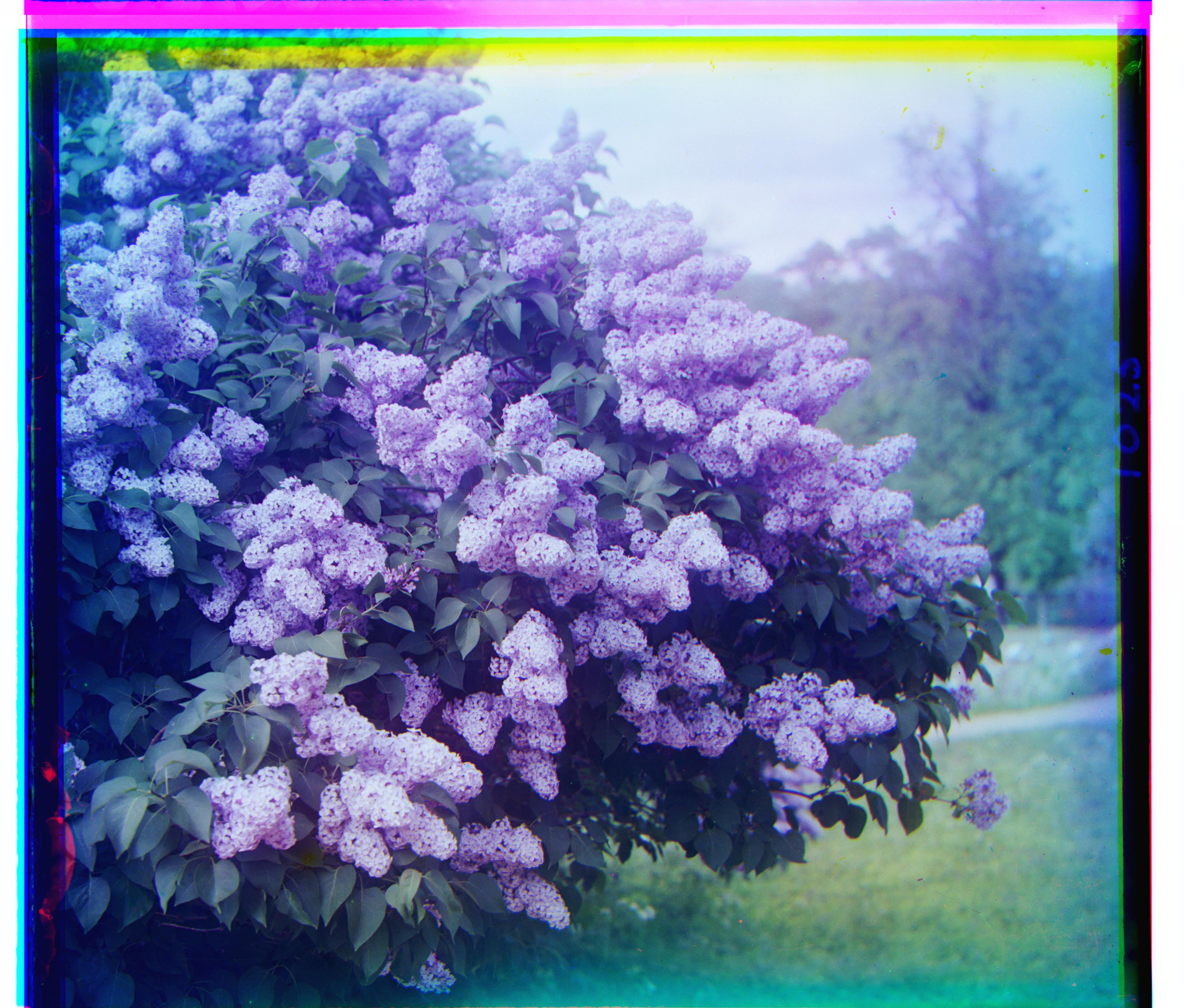
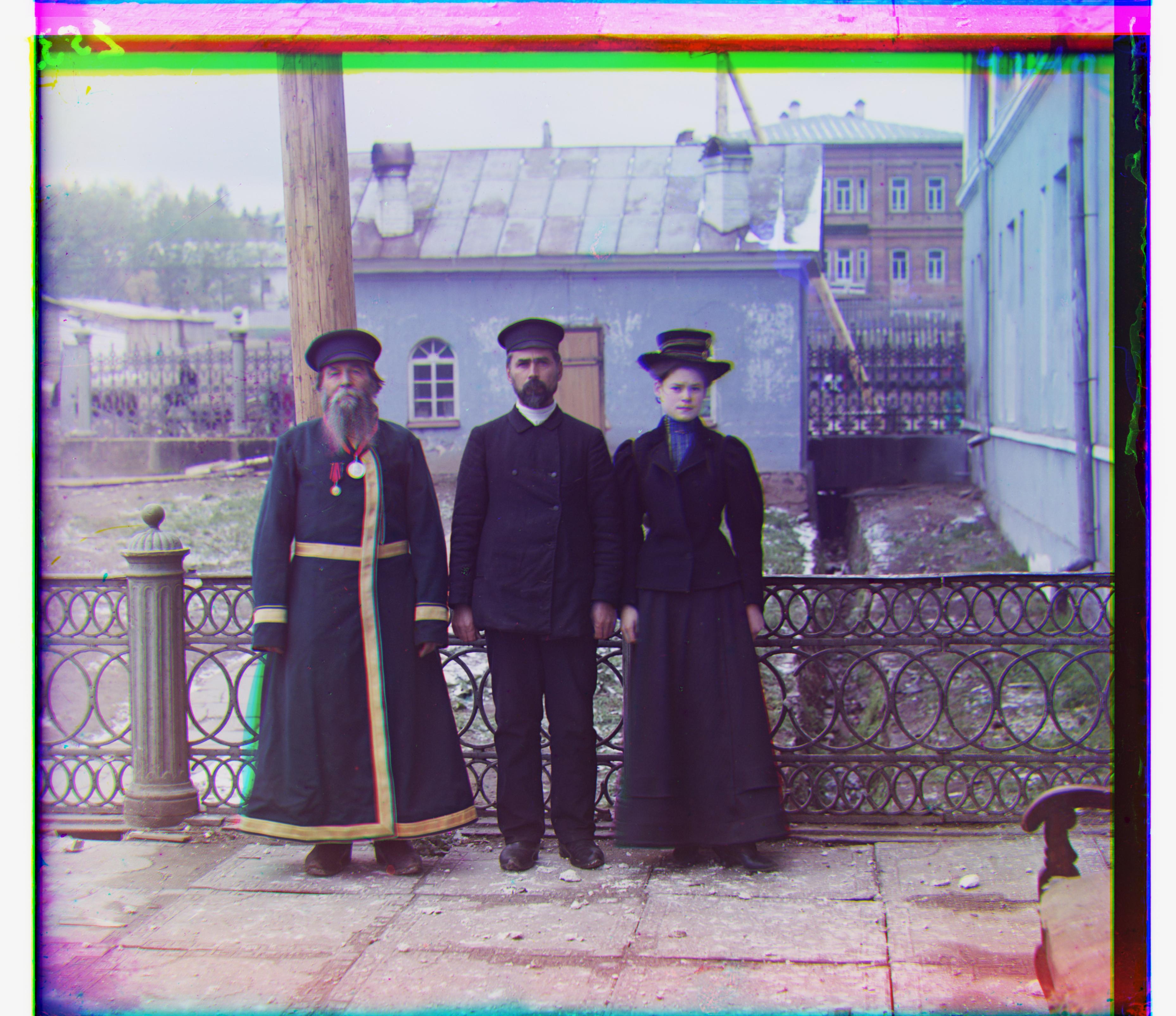
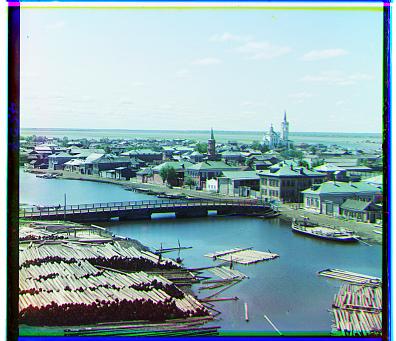
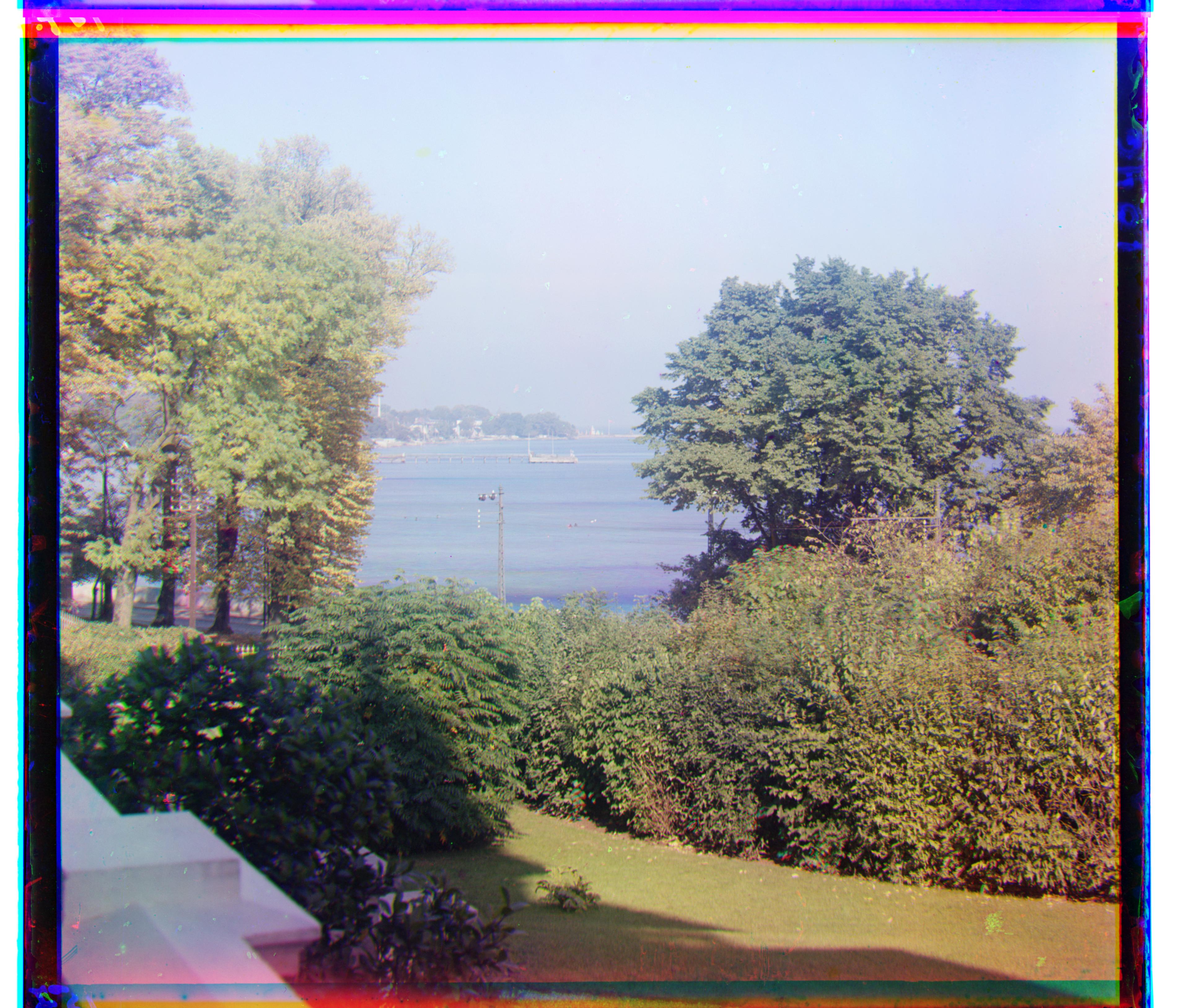
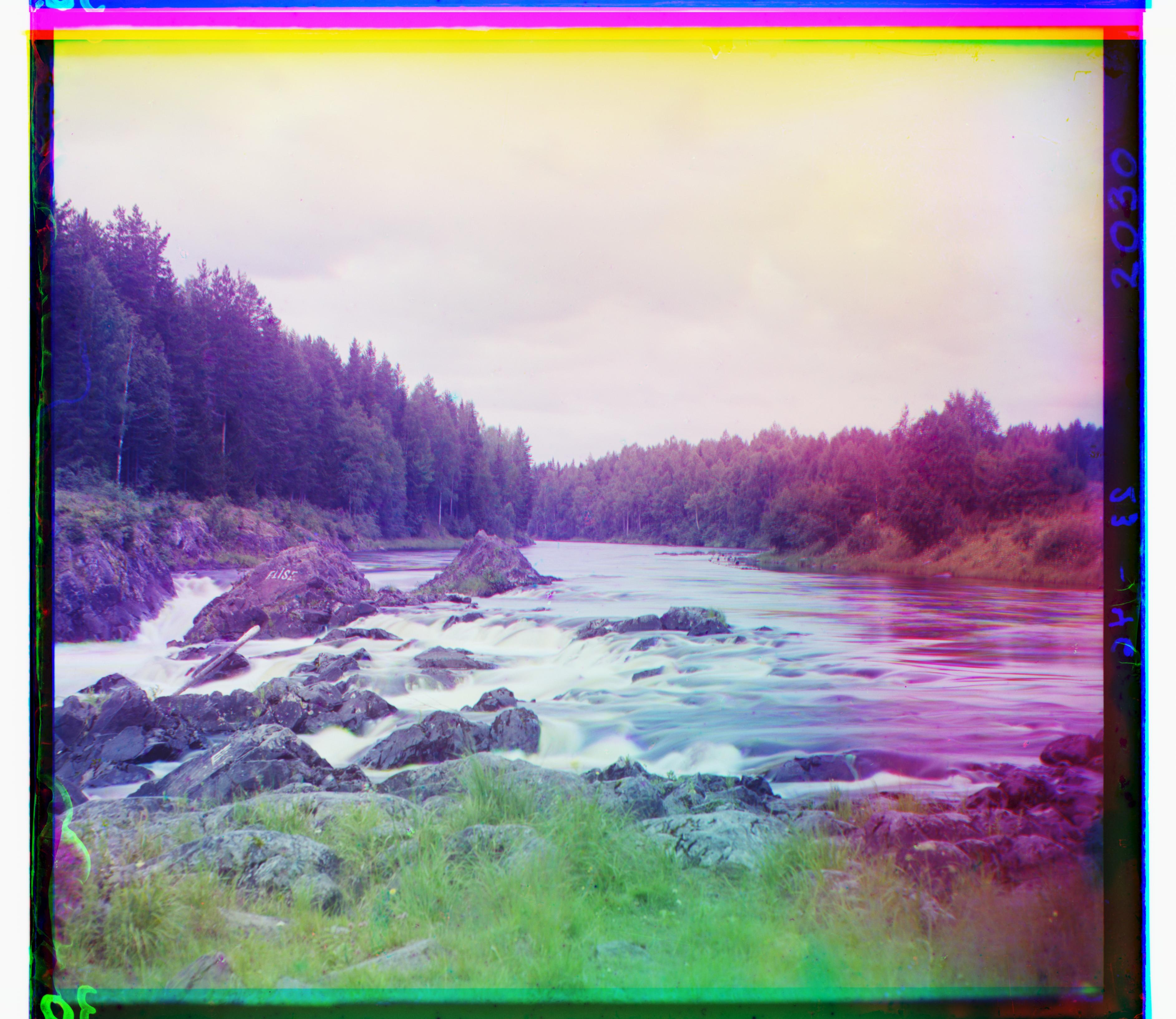
additional images
Failure Analysis
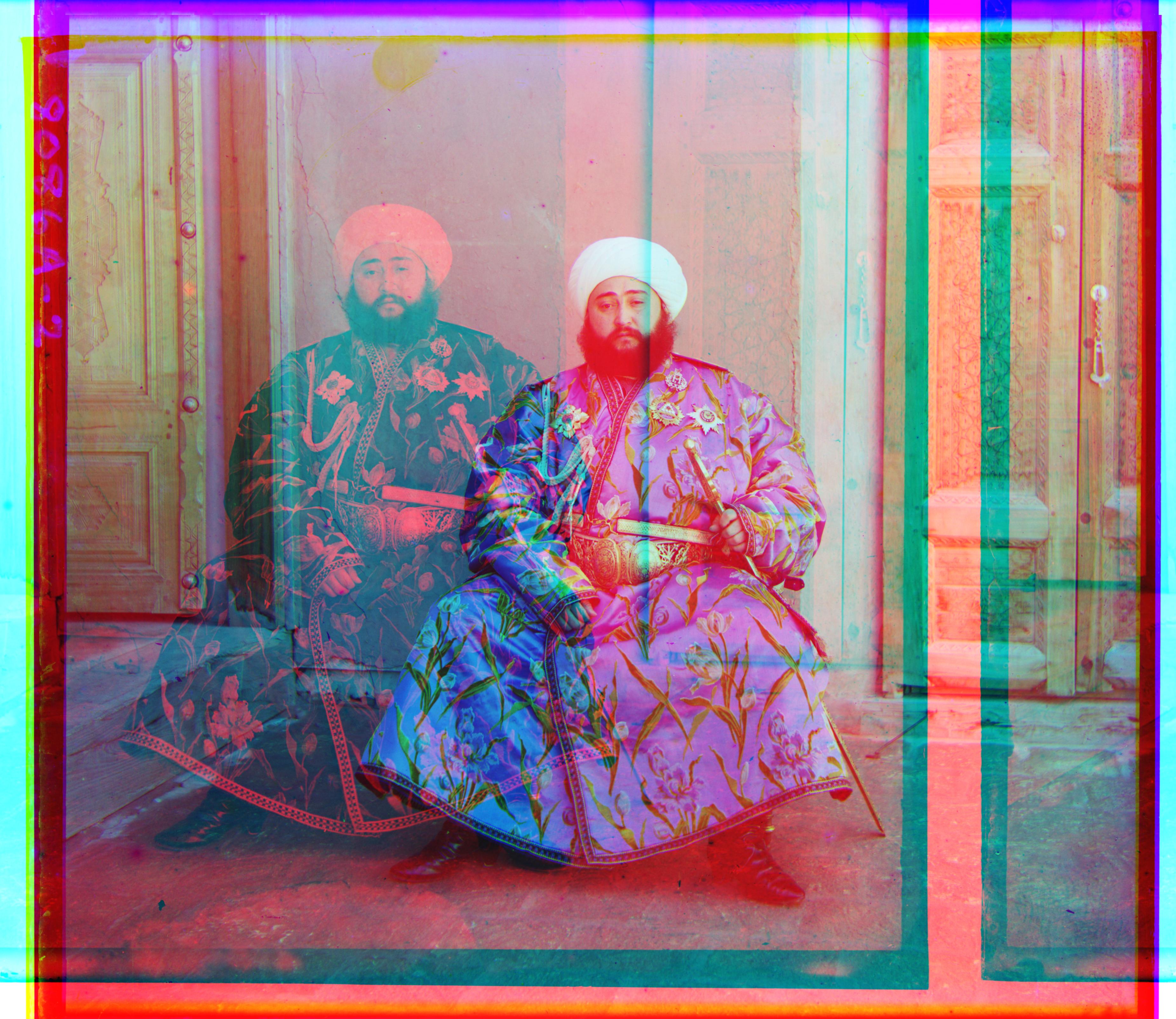
From above image pyramid aligned iamge, you can see emir.tif aligned poorly. The major reason for that during I alignment I crop too much image and cause it lost too much information during coraest level and thus lead to bad alignment.
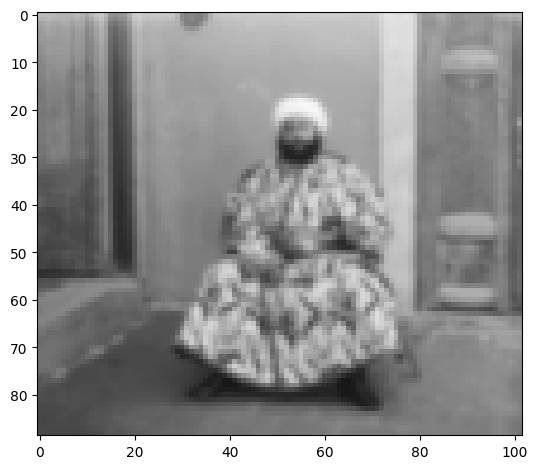
By cropping less on the imge,I can achieve almost perfect alignment on emir.tif with parameter:
ag, ag_shift = align((20, 20), b, g, 6, metric_func=ncc, overlap_views=True, default_window=(5,5), percent=0.024)
ar_shift = align((20, 20), b, r, 6, metric_func=ncc, overlap_views=True, default_window=(5,5), percent=0.024)
which means cropping only 2.4% on each side.